7 ComfyUI Alternatives That Run in Your Browser (2026)
Skip the Python environment and driver hunting. A grounded look at seven browser-based, no-GPU-required alternatives to ComfyUI — what each one actually does well, and where it falls short.
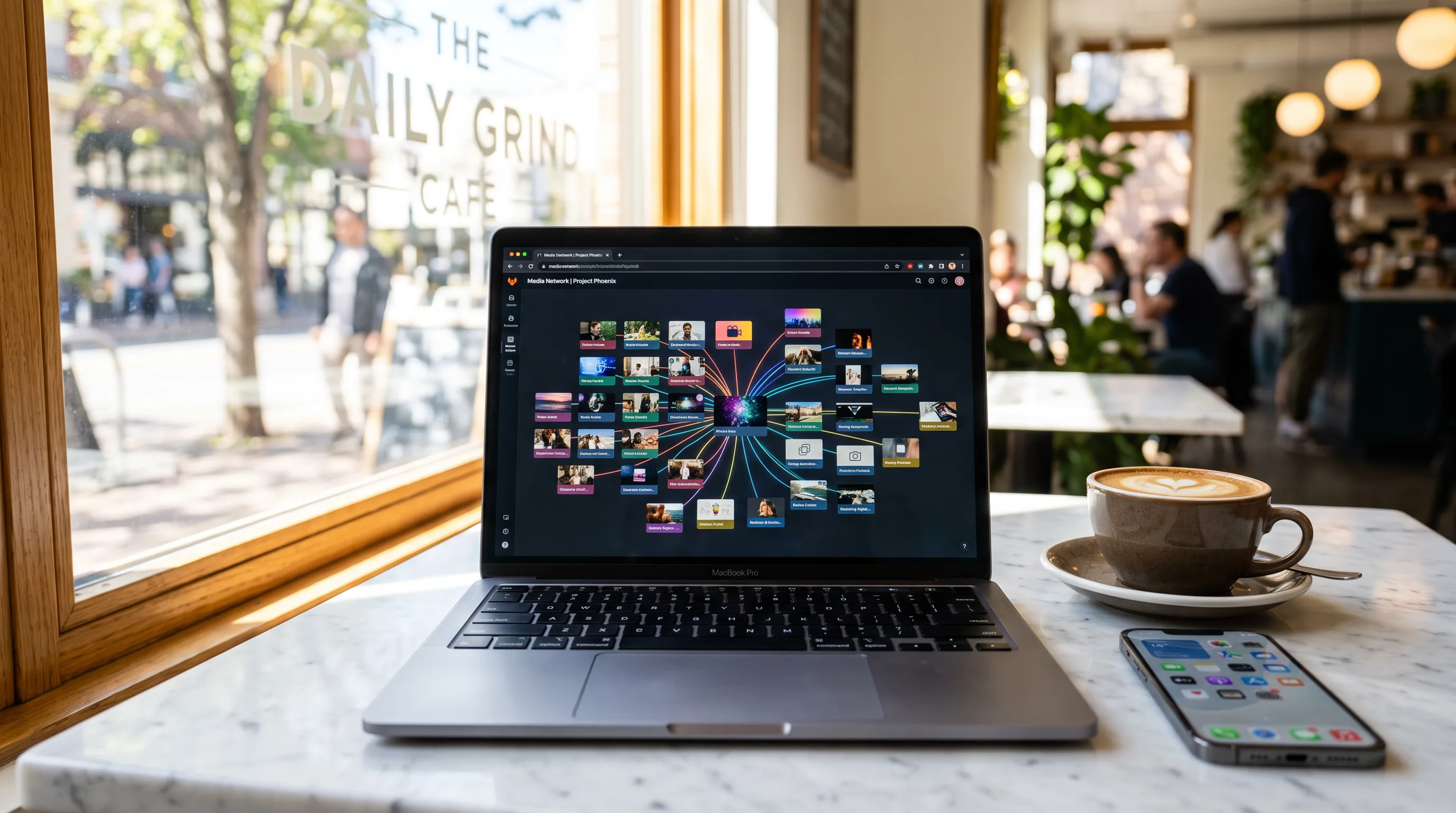
The fastest way out of ComfyUI's setup tax is a browser-based node canvas that runs generation on someone else's GPU: Flowy, Wireflow, Griptape Nodes, RunComfy, and Promptus are the ones worth your time in 2026 — each trades a different piece of ComfyUI's power for a different kind of convenience.
None of them are a drop-in replacement for a fully-tuned local ComfyUI install with forty custom nodes and a LoRA library. That's not really what people asking "ComfyUI alternative" want, though. Most of them want the node-graph control without spending a weekend on CUDA drivers, or they're on a machine that simply can't run Stable Diffusion locally. This is a guide for that person.
Why look for a ComfyUI alternative in the first place?
ComfyUI earned its reputation honestly: it's a free, open-source, node-based graph interface for Stable Diffusion and adjacent models, and nothing gives you more granular control over a generation pipeline. It evaluates its node graph lazily, so it only recomputes what actually changed — which is why power users can iterate on a 30-node pipeline without waiting on a full re-render every time.
The cost of that control is real. The interface has a genuinely steep learning curve — a first-time user opening a stock graph sees a wall of wired-together boxes long before they see an image. You're also on the hook for your own GPU, your own Python environment, and your own dependency management, and collaboration is basically solo/local by design. If you're on a laptop without a discrete GPU, or you just want to hand a workflow to a teammate without walking them through a venv, ComfyUI itself is the wrong tool no matter how good the node graph is underneath.
What do you actually lose by moving to the browser?
Less than you'd think, and it depends which tool you pick. The honest tradeoffs cluster into three groups:
Model breadth vs. raw ComfyUI compatibility. Only RunComfy runs the unmodified ComfyUI interface itself — cloud GPUs, but your existing
.jsonworkflows import untouched. Everything else on this list is a different node canvas, not ComfyUI-in-a-browser, so custom nodes you built for ComfyUI won't carry over.Local control vs. zero setup. Promptus markets itself as "local-first, cloud-optional" — you still run 100+ models on your own GPU, just through a more polished interface with prebuilt workflow templates ("cosyflows") and no per-generation fees. That solves the interface problem, not the no-GPU problem.
Collaboration vs. license. Griptape Nodes ships under an Apache-2 license (commercially friendly) versus ComfyUI's GPL, and adds real-time multi-user workspaces — a genuine gap in stock ComfyUI, which stays fundamentally a solo, local tool.
Which browser-based alternative actually fits your workflow?
Here's how the field breaks down on the things that matter: whether it needs a GPU, what it can generate, and what it costs to try.
Tool | Runs on your GPU? | Media types | Free tier | Best for |
|---|---|---|---|---|
No — cloud | Image, video, audio, 3D | Yes, with monthly credits | One canvas across every model + a timeline editor to finish the cut | |
No — cloud | Image, video | Yes, capped generations | ComfyUI-style drag-and-drop with zero install | |
No — cloud | Whatever your ComfyUI workflow does | Pay-as-you-go | Reusing an existing ComfyUI | |
Optional — local or cloud | Image, video, audio, text | Yes, local use free | Teams that want multiplayer editing and an Apache-licensed core | |
Yes — your own GPU | Image, video, 3D, audio | Free trial | People who already own a GPU and want a friendlier ComfyUI-adjacent UI | |
No — cloud | Image, video | Free tier | A simplified canvas across roughly 50 models | |
No — cloud | Image (renders) | Free to start | Architects and interior designers rendering sketches — not a general tool |
A few of these deserve more than one line.
Flowy puts the node canvas, brand-aware generation, and a Studio timeline editor in one browser tab, with a free plan that ships monthly credits so you can actually test the thing before paying. It's built for people who want to go from a prompt to a finished, editable video — not just a single generated frame — without switching tools for the cut. Model access spans Veo 3, Kling, Seedance 2.0, FLUX.1, Sora, and Recraft, so you're not locked into one lab's output style.
Wireflow is the closest thing to "ComfyUI's UI, minus the install." It's the same drag-and-drop, connect-the-dots mental model, running entirely on cloud inference, with a stated free tier and no credit card required to start. If your ComfyUI complaint is purely "I don't want to manage a Python environment," this is a fair swap.
RunComfy is the odd one out and worth calling out precisely because it isn't really an alternative — it's ComfyUI itself, unmodified, running on rented GPUs you pay for by the hour. If you've already sunk time into custom ComfyUI workflows and just want off your local hardware, this preserves that investment in a way nothing else here does.
Griptape Nodes is the pick if the actual pain point is collaboration, not compute. Multi-user, real-time workspaces are something ComfyUI doesn't do at all, and the Apache license means you're not bound by ComfyUI's GPL if you're building commercial tooling on top.
Promptus is honest about being local-first — it doesn't solve "I don't have a GPU," but if you have one and just find raw ComfyUI unpleasant to use, its prebuilt "cosyflow" templates and one-time-payment option are a real upgrade in usability.
Rendair shows up in "ComfyUI alternative" search results, but it's worth being direct: it's an AI workspace built specifically for architects and interior designers turning sketches into renders, not a general creative canvas. If you're not doing architectural visualization, it's not the tool the SERP implies it is.
Do you have to pick just one?
No, and you probably shouldn't feel locked in either way. The node-canvas category is young enough that most of these tools are still finding their shape — Griptape Nodes shipped multiplayer relatively recently, Wireflow's cloud model list keeps growing, and Flowy is adding new generation models as they release. If your workflow needs are simple (a few models, no local investment), start with a free tier and see how far it gets you before committing.
What's actually changed since ComfyUI's early days isn't the node-graph idea itself — it's where the compute runs. ComfyUI proved that node-based control over diffusion models is worth having. The newer wave of tools is mostly answering a narrower question: does that control have to live on your laptop? For most people outside the hardcore Stable Diffusion tinkering community, the answer is no.
If you want to see what a finished workflow looks like rather than build one from scratch, the Flowy community has ready-made, remixable canvases for image, video, and mixed-media generation — a faster on-ramp than starting from an empty node graph.